Are potential customers leaving your rental website without booking? Discover 7 proven UX design secrets and technical strategies to eliminate friction, build trust, and drastically reduce cart abandonment in 2026.
Imagine walking into a high-end car rental agency or a luxury vacation booking office. The floors are spotless, the vehicles gleam in the showroom, and the staff is incredibly welcoming. But when you finally decide to rent a vehicle, you are handed a 15-page confusing form, told about hidden insurance fees at the last minute, and asked to wait in another line to pay. What do you do? You walk out.
This exact scenario happens millions of times every single day in the digital world. It is called Cart Abandonment.
Across the e-commerce sector, the average cart abandonment rate hovers around 70%. However, in the rental industry—whether it is cars, properties, or high-end equipment—the stakes are much higher. Users are not just buying a $20 t-shirt on impulse; they are planning a vacation, a wedding, or a crucial business trip. The transaction is fundamentally tied to high anxiety and complex logistics.
If your website’s User Experience (UX) is clunky, slow, or confusing, potential renters will abandon their cart and book with your competitor in seconds.
With over 7 years of experience architecting high-performance digital platforms using Next.js, React, and fully optimized WordPress systems, I have audited and rebuilt numerous checkout flows. A beautiful website is useless if it doesn’t convert. In this comprehensive masterclass, I am going to reveal the 7 critical UX secrets to eliminate friction, build absolute trust, and turn your rental website into a high-converting booking machine.
Secret 1: The “Date-First” Search Architecture
The most common and devastating UX mistake I see on rental platforms is treating rentals like standard e-commerce products.
In standard e-commerce, a user browses a catalog, finds an item they like, and clicks “Add to Cart.” If you apply this logic to a rental site, a user might spend 10 minutes falling in love with a specific beachfront villa or a luxury SUV, only to click “Book” and discover it is entirely sold out for their specific vacation dates.
This causes immense psychological frustration. The user feels they have wasted their time, and they will almost certainly leave your site immediately.
The Solution: Flip the architecture. Implement a “Date-First” search flow. Before the user can even see your inventory, they must be prompted to enter their Pick-up and Drop-off dates (and location, if applicable).
-
The Technical Implementation: By passing these dates directly into your database query (whether using a headless Next.js backend or a robust WordPress booking engine), you guarantee that the user only sees 100% available inventory. You eliminate the possibility of disappointment, keeping the user engaged and moving smoothly down the funnel.
Secret 2: Brutal Transparency with Pricing
Sticker shock at the final checkout step is the undisputed number one reason for cart abandonment in the rental industry.
If a user sees a car advertised for “$50 a day,” clicks through the booking process, and suddenly sees the total jump to “$120 a day” due to mandatory insurance, local taxes, cleaning fees, and processing charges, they feel deceived. Trust is broken, and the tab is closed.
The Solution: Be brutally transparent from the very first click.
-
The “Total Price” Toggle: Allow users to view prices as either “Price Per Day” or “Total Trip Price” directly on the search results page. Platforms like Airbnb have implemented this with massive success.
-
Dynamic Cost Breakdown: On the specific product page, use a clean, dynamic accordion (a feature I frequently custom-code for specialized workflows) that updates in real-time. If the user changes their rental duration from 3 days to 4 days, the subtotal, taxes, and security deposit should instantly visually recalculate without the page reloading.
Secret 3: Frictionless Guest Checkout (Zero Forced Accounts)
Forcing a user to create an account, verify their email address, and invent a new password just to hand you their money is a guaranteed way to kill your conversion rate. When a user is ready to pay, their cognitive load is already high. Putting a barrier in front of them will make them abandon the transaction.
The Solution: Always offer a prominent Guest Checkout option. Only ask for the information absolutely necessary to legally process the rental and secure the payment (Name, Email, Phone, Payment Details).
-
The Post-Purchase Account Creation: Once the payment is successfully processed and the user is on the “Thank You” page, then you offer them the option to create an account. You can use micro-copy like: “Want to manage your booking and check out faster next time? Just create a password below. We’ve already saved your details!” This captures the account without interrupting the sale.
Secret 4: Strategic Placement of Micro-copy and Trust Signals
Renting an expensive asset generates anxiety. The user is subconsciously asking themselves: “What if my flight gets canceled?” “What if the equipment is broken?” “Is this website secure?” If you do not answer these questions proactively at the exact moment of hesitation, the user will leave to read your FAQ page and likely never return to their cart.
The Solution: Use persuasive micro-copy and trust signals directly adjacent to your primary Call to Action (CTA) buttons.
-
Proximity matters: Right below the “Proceed to Payment” button, add subtle, reassuring text.
-
Examples: “Free cancellation up to 48 hours before pick-up,” “No hidden fees,” or “Secure 256-bit encrypted checkout.”
-
Display recognizable trust badges (Norton, McAfee, Stripe, PayPal) to subconsciously signal institutional-level security.
Secret 5: The Psychology of the Progress Indicator
A long, single-page checkout form with 25 input fields is intimidating. It feels like taking a school exam. Users will often take one look at the massive form, feel overwhelmed, and abandon the cart.
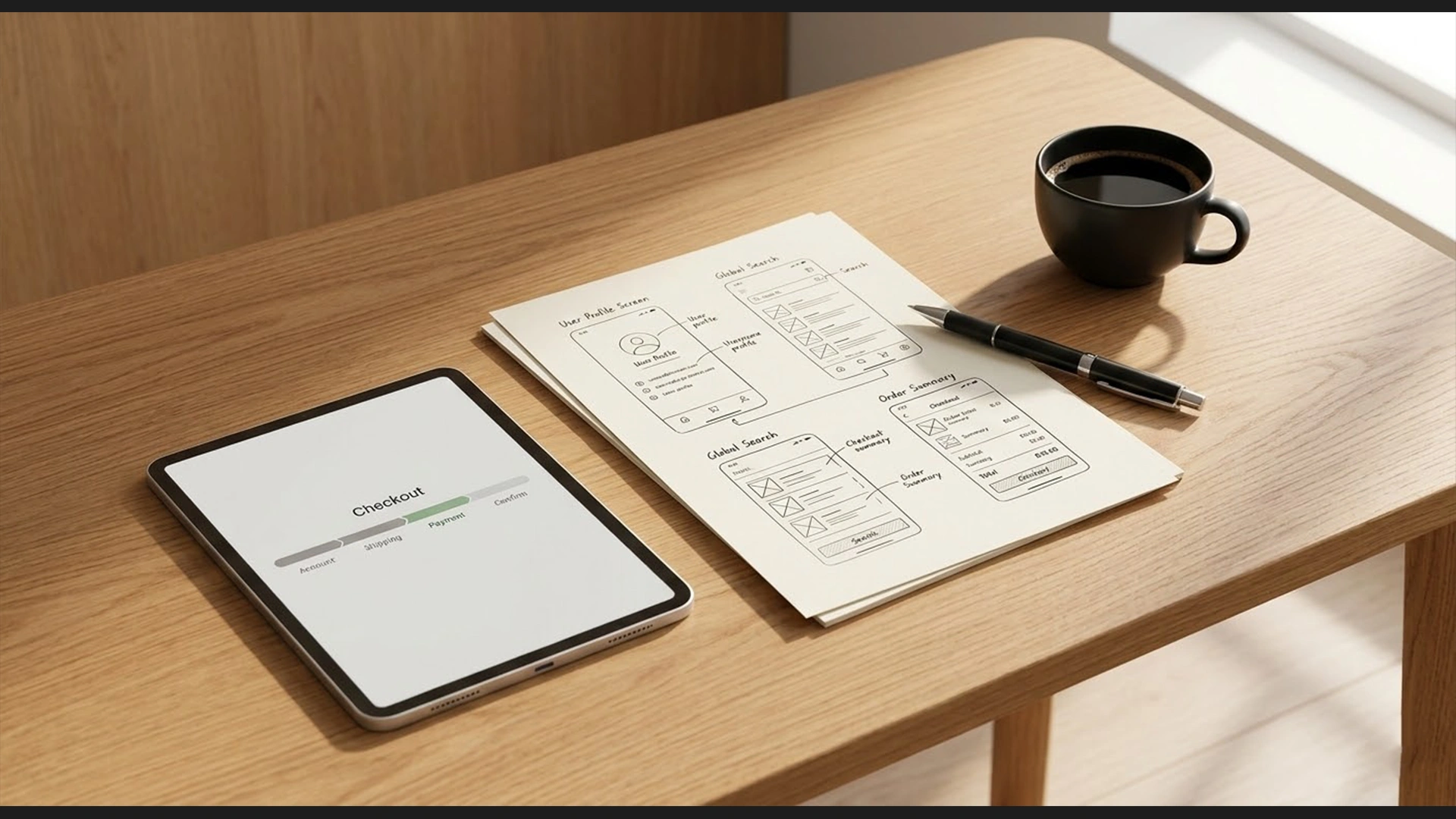
The Solution: Break the checkout process down into bite-sized, digestible steps using a Multi-Step Checkout Flow with a visual Progress Bar.
This taps into a psychological principle known as the Zeigarnik Effect, which states that people remember uncompleted tasks and have a strong innate desire to finish what they have started.
-
Step 1: Dates & Location (Low friction)
-
Step 2: Add-ons & Insurance (Medium friction)
-
Step 3: Personal Details (Higher friction)
-
Step 4: Payment (Highest friction) By the time the user reaches the payment step, they have already invested time and micro-commitments into the previous steps. Psychologically, it becomes harder for them to abandon the process because they are already 75% finished.
Secret 6: Mobile-First “Thumb Zone” Optimization
In 2026, the majority of your traffic will come from mobile devices. However, many rental websites are still designed for desktop monitors and merely “squished” to fit a mobile screen.
Calendar inputs and date pickers are notoriously difficult to use on mobile devices if they are not custom-coded for touch interactions. If a user’s “fat finger” accidentally selects the wrong month and they cannot easily fix it, they will leave.
The Solution: Design for the “Thumb Zone”—the area of a smartphone screen that a user can comfortably reach with their thumb while holding the device with one hand.
-
Sticky Bottom Bars: On the product description page, the “Book Now” button and the total price should be fixed to the bottom of the screen, permanently within the thumb zone, no matter how far down the user scrolls.
-
Native-Feeling Date Pickers: Ensure your calendar pop-ups occupy the full screen on mobile, with large, easily tappable dates. Utilize modern JavaScript libraries to ensure the swiping mechanism between months is as smooth as a native iOS or Android application.
Secret 7: Omnichannel Payment Integrations
You have successfully guided the user through the entire funnel. They are on the final step. If they have to get up from the couch, find their wallet, pull out their credit card, and manually type 16 digits into a tiny mobile keyboard, you run a massive risk of abandonment.
The Solution: Integrate frictionless, biometric payment gateways. By utilizing platforms like Stripe or specialized WooCommerce payment gateways, you can offer Express Checkout.
-
When a user clicks checkout on an iPhone, they should be presented with an Apple Pay button. One glance at their phone’s FaceID, and the transaction is complete in 2 seconds.
-
The same applies to Google Pay for Android users.
-
Additionally, offering “Buy Now, Pay Later” (BNPL) options like Klarna or Afterpay can drastically increase conversion rates, especially for high-ticket vacation rentals, by breaking the cost into manageable installments.
Conclusion: Stop Leaving Money on the Table
Cart abandonment is not a necessary evil; it is a symptom of a poorly optimized user journey. Every point of friction, every confusing form field, and every hidden fee is actively draining your marketing budget and pushing customers toward your competitors.
Building a high-converting rental platform requires much more than just a pretty template. It requires a deep understanding of human psychology, strategic UI/UX design, and flawless technical execution. Whether we are architecting a custom headless React application for blazing-fast mobile performance or refining a robust WordPress/WooCommerce system with advanced checkout plugins, the goal remains the same: Make it impossibly easy for the customer to give you their money.