
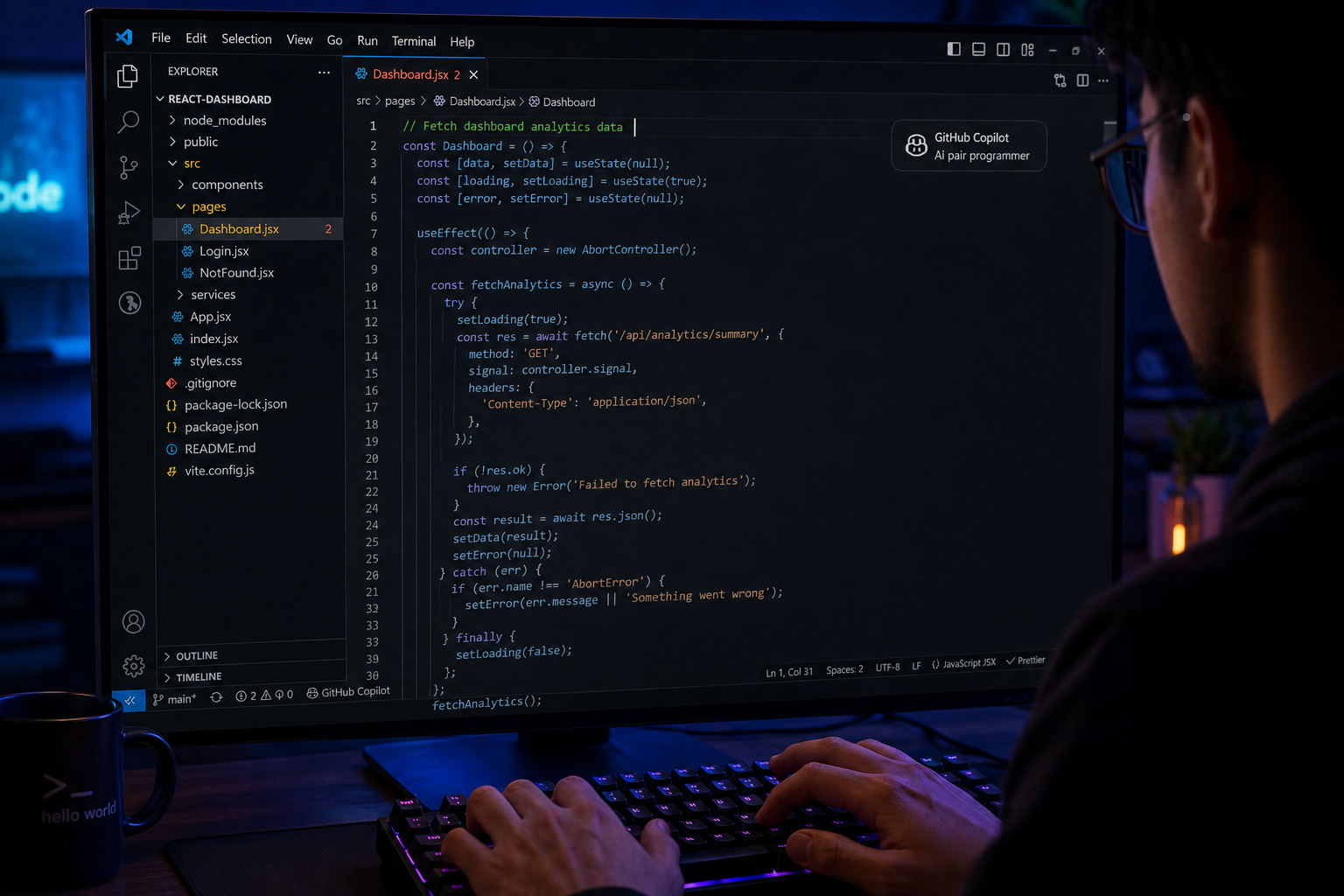
GitHub Copilot: The AI Pair Programmer Redefining Efficiency
The era of manual boilerplate coding is coming to an end. GitHub Copilot has redefined what it means to be a productive developer. By acting as an AI pair programmer, it allows you to focus on high-level architecture and creative problem-solving while it handles the repetitive syntax and logic patterns.

1. Speed Up Your Workflow with AI Autocomplete
GitHub Copilot isn’t just a basic autocomplete; it understands the context of your entire project. Whether you are writing a complex CSS animation or a backend API route, it suggests the next lines of code based on your style and project structure.
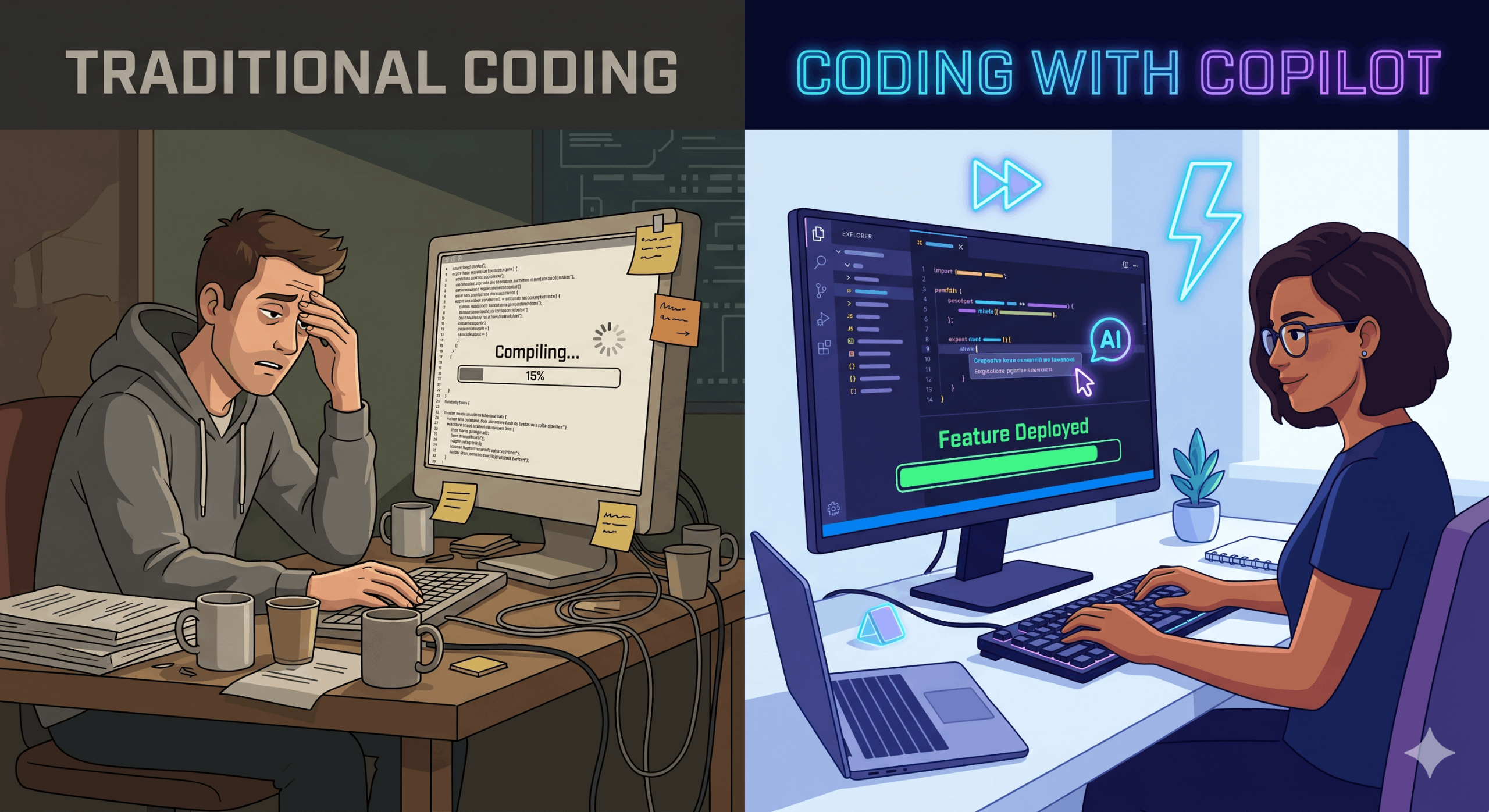
For a Full-stack Developer, this means moving from a blank file to a functional prototype in a fraction of the time. It reduces the need to constantly check documentation or search for snippets on Google.

2. Mastering New Frameworks and Libraries
One of the biggest challenges for developers is staying updated with new tech stacks. Copilot acts as a live tutor. If you are trying to implement GSAP animations or learn a new React hook, Copilot provides immediate examples directly in your editor.

It bridges the gap between being a beginner and a pro in any language, from TypeScript to Python, by suggesting the most modern and “best-practice” ways to write code.
3. Writing Better Tests and Documentation
Many developers find writing unit tests and documentation tedious. GitHub Copilot excels here. Simply describe what you want to test, and it will generate the test cases for you, ensuring your code remains robust and bug-free.
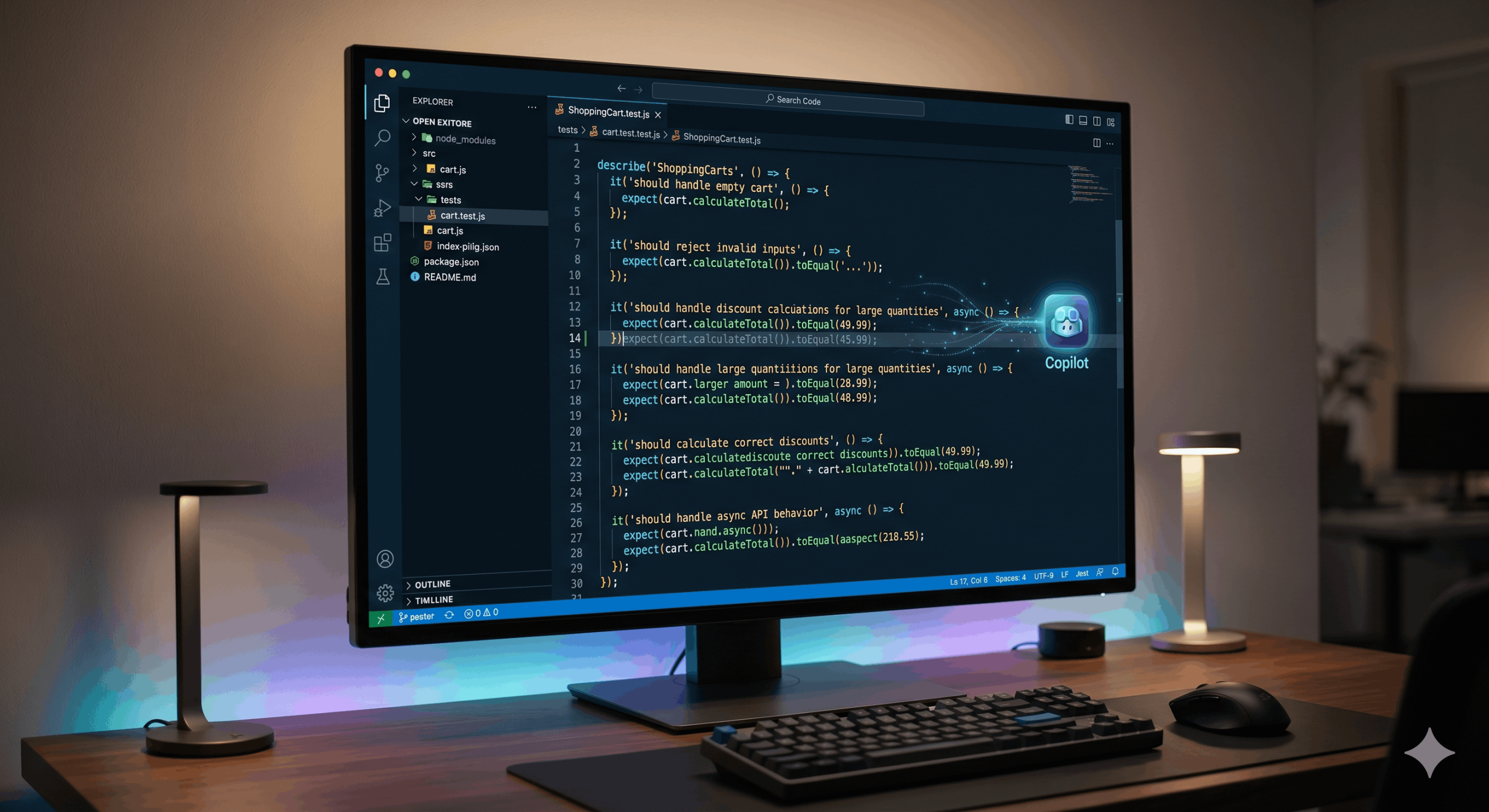
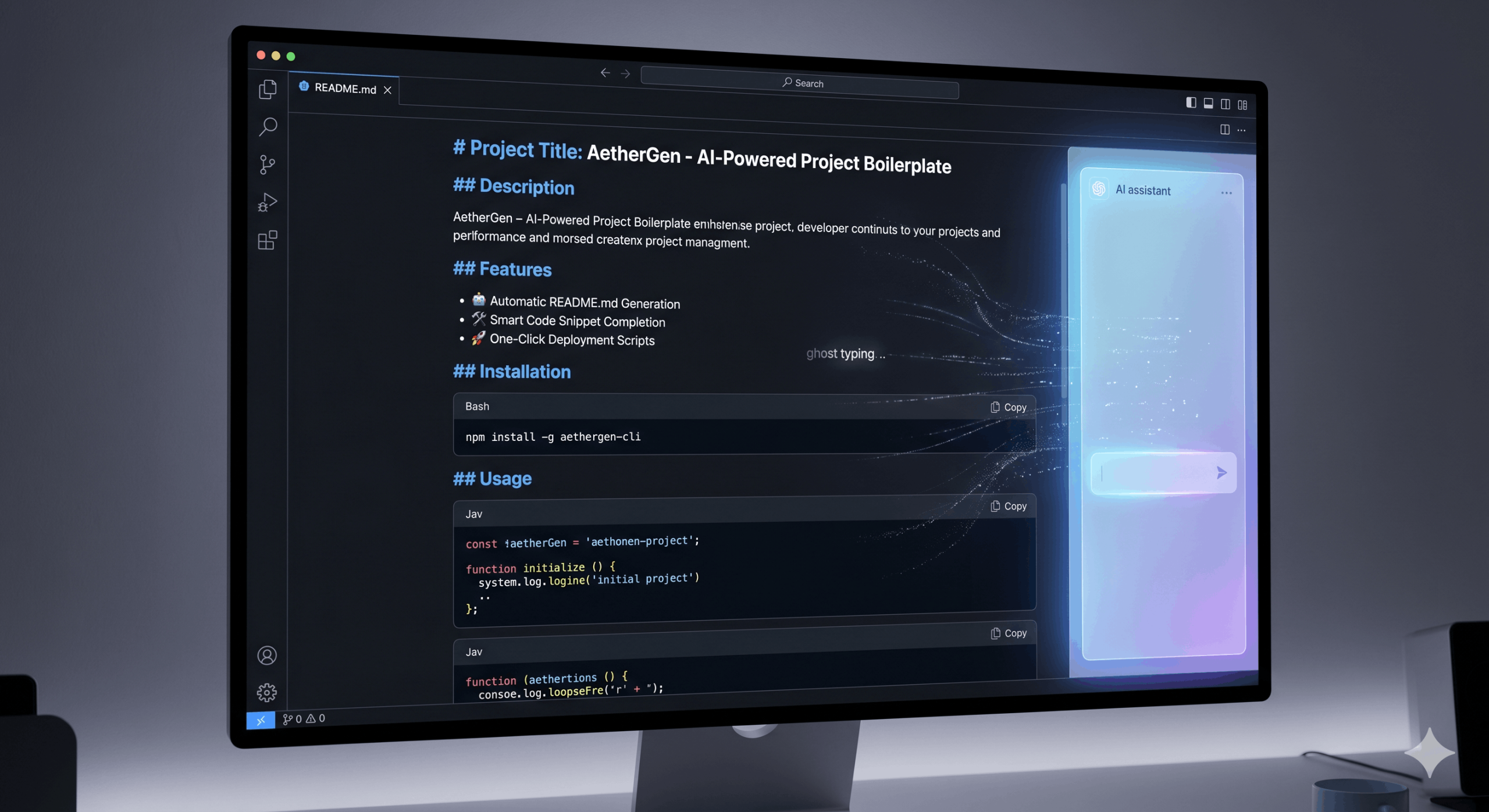
It can also generate meaningful comments and README files, ensuring that your code is not only premium in functionality but also professional in its presentation.
4. Reducing Cognitive Load
Coding for 8-10 hours a day is mentally exhausting. By handling the “mechanical” parts of coding—like closing brackets, writing repetitive loops, or mapping through arrays—Copilot reduces mental fatigue.
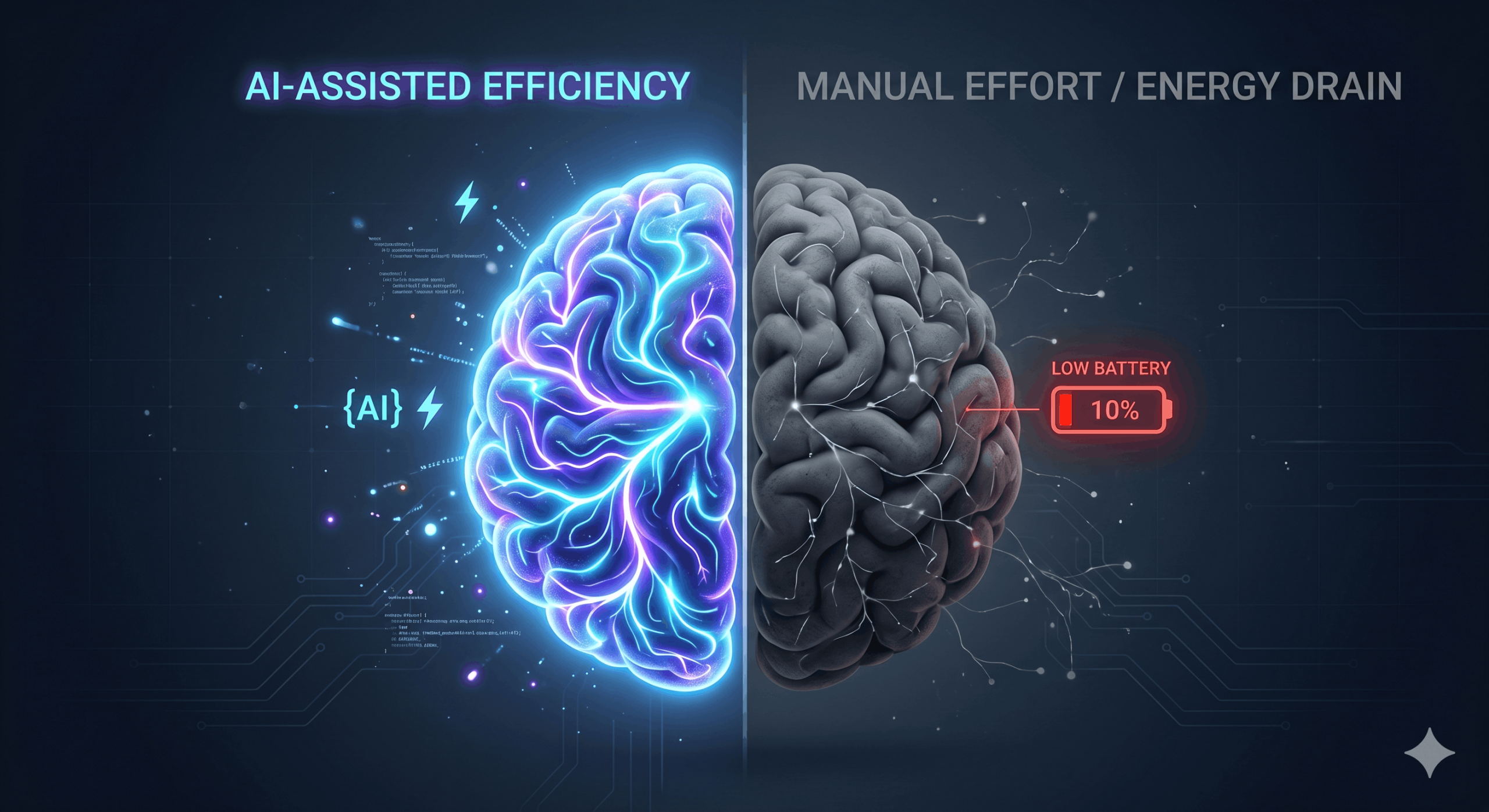
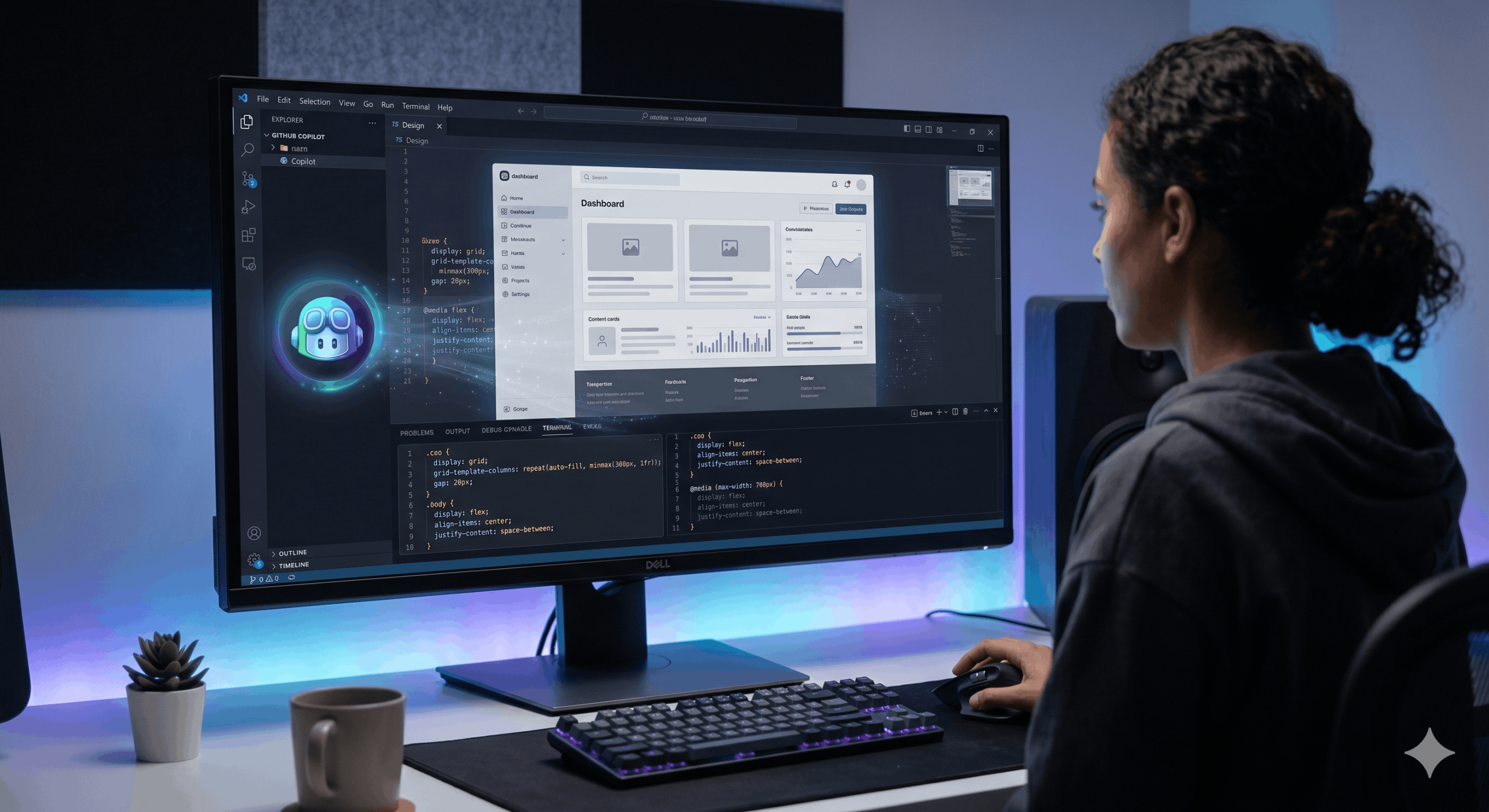
This allows you to maintain a Premium Developer mindset, focusing on the design aesthetic, mobile responsiveness, and high-end user experience that your clients expect.
5. Security and Best Practices
GitHub Copilot is trained on billions of lines of public code, but it is also designed to filter out insecure patterns. It often suggests more secure and optimized ways to handle data, helping you avoid common vulnerabilities during the development phase.

Conclusion
GitHub Copilot is more than just a tool; it is a competitive advantage. In the fast-paced world of web development, being able to deliver high-quality, SEO-friendly, and bug-free websites faster than the competition is the key to success.